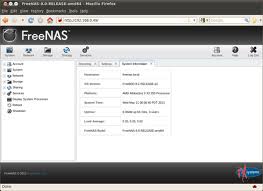
 I found a new tutorial about installing and using FreeNAS. FreeNAS is one of the most popular NAS specific software distributions around. Of course, it is free to download and use. It is very full featured. If you have an old computer FreeNAS is one of the best ways to repurpose that device to get a NAS running in your house at very low cost.
The post has many screen shots and concludes:
You can do some real constructive work with an old desktop system laying around in the corner collecting dust. So just go for it.
Performance Tips
Add as much as memory possible to have the best performance
Use ZFS volumes if possible
Use more than 2 disks to use features of ZFS, like protecting data in case of disk failure, Replication, Encryption, Snapshot etc.
http://freedompublishersunion.wordpress.com/2014/01/25/introduction-to-using-freenas/
The writer of the post installed FreeNAS using Virtualbox 4.2. If you are planning to install FreeNAS using Virtualbox, the tutorial has some specific advice that you should check out.
Related articles
- FreeNAS 9.2.0 RC Arrives with Performance Improvements, Stable Version Around the Corner (news.softpedia.com)
- Benchmarking HOMER+FreeNAS: Introduction and methology (savagedlight.me)
Leave a Reply