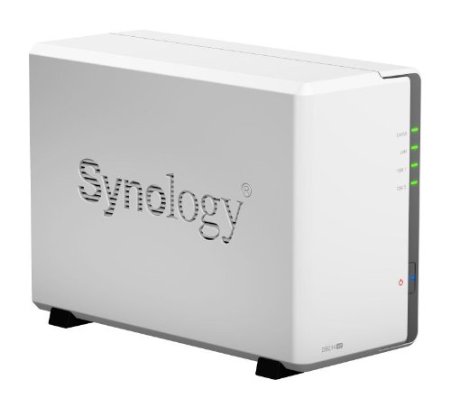
 Smallnetbuilder has reviewed the Synology DS214se two drive NAS. This is Synology's entrant in the small and inexpensive NAS category. Even though it runs only $160 or less, though, this NAS still features the full suite of the Diskstation Manager software. Synology does consider this a single purpose NAS, given its low CPU power and limited RAM, so it would probably be best not to try running too many applications on the NAS while trying to maintain high file throughput.
Speed was measured as good as long as the user is not logged into the desktop interface:
It turned out that we ran our tests with a browser logged into the Synology admin "desktop". Even with the System Health / Resource Monitor widget closed, there apparently is enough processor load to limit read throughput to the mid 80 MB/s range. So if you want top performance, stay out of the admin interface! That's what we did when we retested to post updated results that now reside in the NAS Charts.
http://www.smallnetbuilder.com/nas/nas-reviews/32259-synology-ds214se-reviewed?start=1
Overall, this is a good value budget NAS. Smallnetbuilder recommends you check out a couple of other NAS boxes if you are in the market for this category of NAS:
If your NAS needs are simple, the $160 Synology DS214se has all of the features you could want and enough performance for many SOHO users. But before you plunk down your money, be sure to check out the Zyxel NSA235 and Buffalo LS421DE and see if their more limited feature sets meet your needs.
http://www.smallnetbuilder.com/nas/nas-reviews/32259-synology-ds214se-reviewed?start=2
I'm not sure I would consider the Zyxel, though, because it does not have email or front panel notice when a hard drive is (or has) failed. This to me would be a no go for any NAS solution. I need to know when the Raid array is degraded without having to login to the user interface to find out.

Leave a Reply